01
Faces brought back into focus
Improve facial definition and contrast so the people at the heart of the photograph are easier to see.
Facial detail
Paintingify Memory Studio
Restore faded color, soften scratches, and recover meaningful details — then keep the memory as a digital file or turn it into personalized art.
✓ Simple, private, and made for the memories you never want to lose
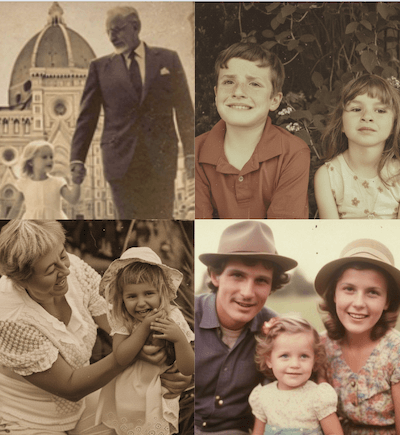
The photo you remember…
Carefully renewed ✨
Restore your photo in three simple steps.
Choose a clear scan or phone photo.

AI improves fading, scratches, and clarity.
Save your restored photo and share it.
Every old photograph has different damage. These examples show the kinds of detail, tone, and emotional presence restoration can help recover.
Improve facial definition and contrast so the people at the heart of the photograph are easier to see.
Facial detail
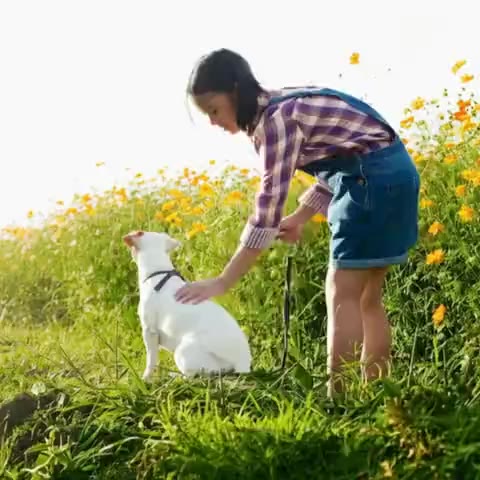
Recover warmth and balance from washed-out photographs without making the result feel artificial.
Tone recovery
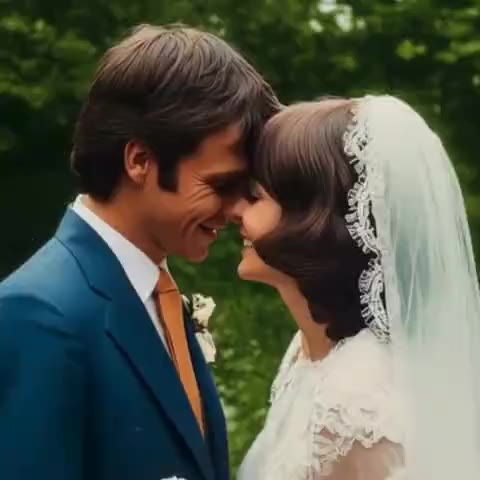
Reduce distracting scratches, dust, creases, and age marks while respecting the original image.
Damage repair
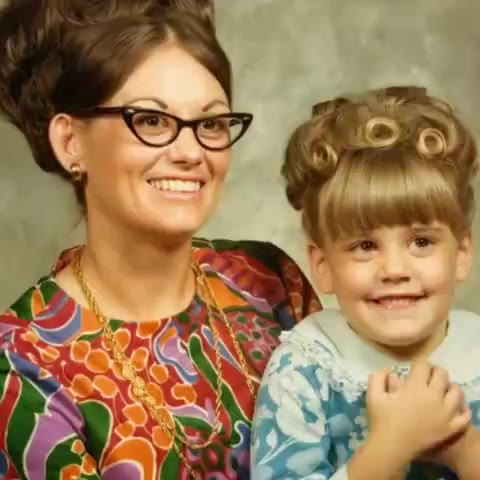
Reveal more texture and definition in monochrome family photographs and historic portraits.
Clarity enhancement
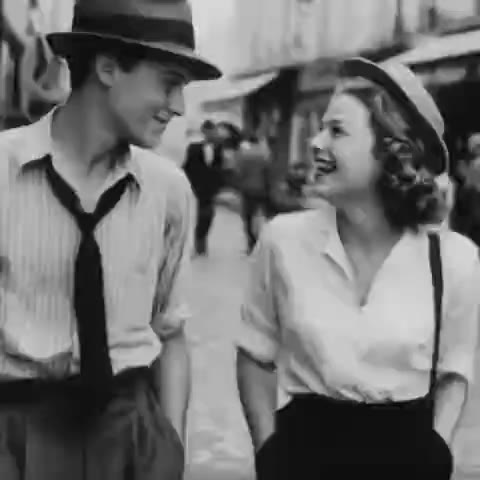
Use a renewed photograph as a digital keepsake or the foundation for custom Paintingify artwork.
Gift-ready
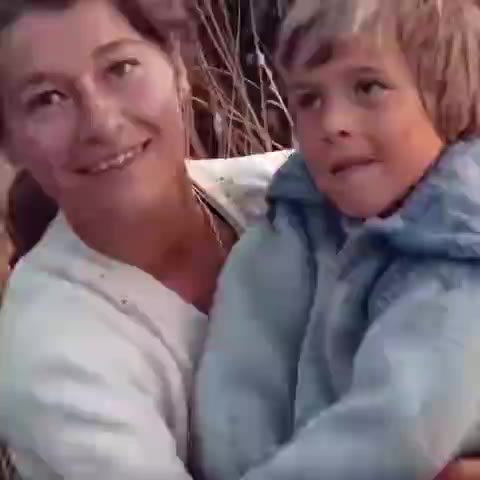
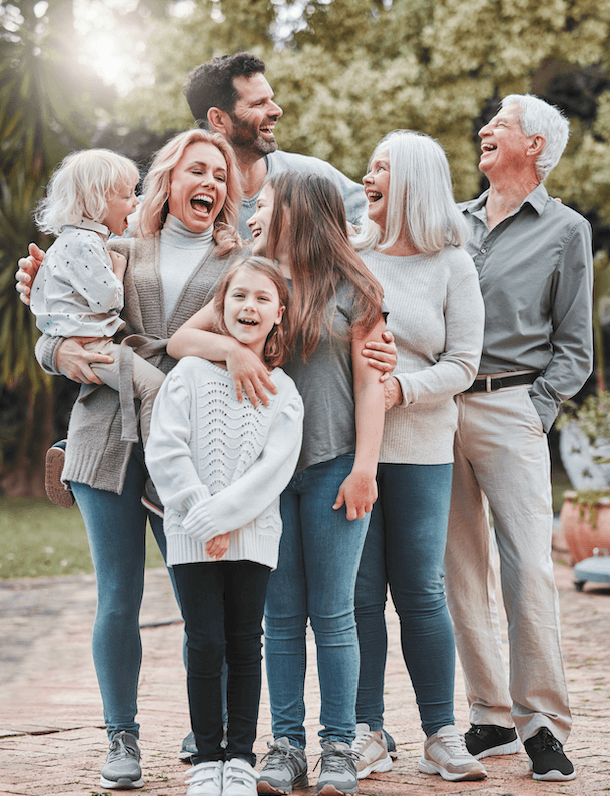
Create a cleaner digital version that is easier to archive, share, print, and pass down.
Family archive
The Paintingify approach
Old-photo restoration fits naturally into our mission: turning meaningful photographs into personal art and keepsakes.
Keep the expressions, mood, and small imperfections that make the memory feel real.
Bring back usable clarity, contrast, and color without requiring editing expertise.
Save the result digitally or continue into a personal portrait made for gifting and display.